Blog / Practical notes for builders
Choose the first workflow worth automating
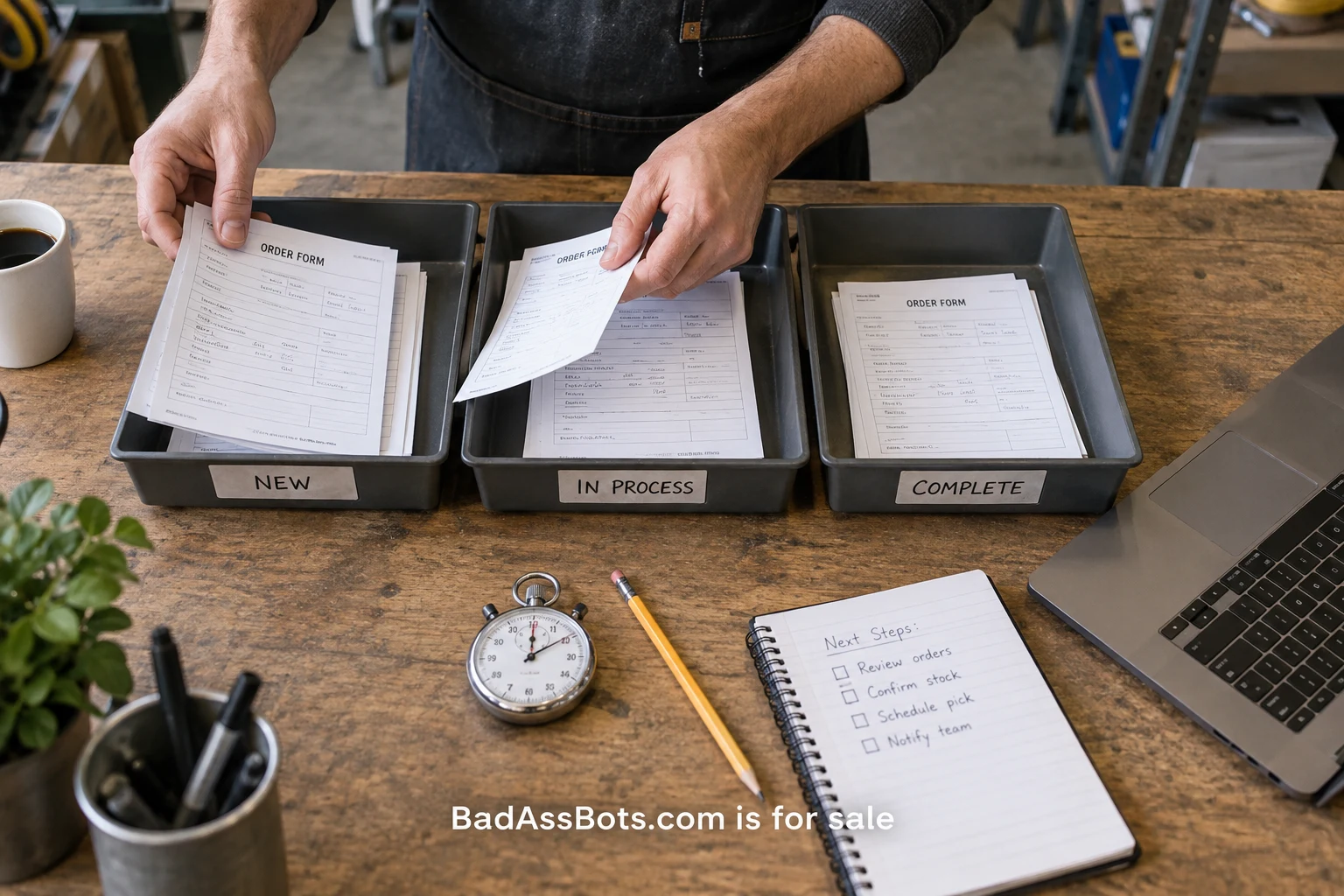
The first workflow worth automating is usually one that somebody can explain with real examples. It happens often enough to matter, has a recognizable start and finish, and leaves evidence that the result is correct. A dramatic demonstration can be exciting, but a modest task with clear rules is often a better place to learn what your team can maintain.
Start by choosing three candidates from the work people already do. “Operations” is too broad. “Create a project record after an approved intake form arrives” is specific enough to investigate. So is “assemble the weekly list of unresolved supplier questions.” Write each candidate as an action with a trigger and an observable outcome before comparing tools or asking anyone to estimate a build.
Observe a normal week
Ask the person doing the task to record each occurrence for a week. Capture the time it starts, the hands-on minutes, the waiting time, and whether it followed the usual path. Include a short note about exceptions. A spreadsheet is enough for a first review. Do not turn the observation exercise into more work than the task itself.
Hands-on time and elapsed time answer different questions. A request may wait two days for approval but require only six minutes of active work. Automating data entry might recover those six minutes while leaving the two-day wait intact. If the business problem is delay, you may need an approval rule or a clearer owner before you need an integration.
Watch at least a few cases yourself. People often summarize a task as three steps and then reveal several checks while performing it. A customer identifier may need to be verified against another system. A date may be interpreted differently by two departments. Write those decisions down, including who has the authority to settle disagreements.
For more structured observation, Microsoft's task mining overview describes analyzing recorded user actions to identify patterns and potential automation. Use a recording tool only with appropriate organizational permission and a clear data boundary. The purpose of observation is to understand the task, not to collect unrelated activity from someone's desktop.
Build a small effort worksheet
For each candidate, record weekly volume, average active minutes, exception frequency, current error rework, and the expected review effort after automation. Add likely subscription or infrastructure costs and the time someone will spend checking the system. Use ranges when the sample is small. A precise number drawn from two examples can create false confidence.
Here is a fictional calculation. A team handles 60 project requests each week, taking five active minutes per request. That is 300 minutes of baseline work. Suppose a proposed workflow can prepare 45 routine requests, while 15 still require the existing five-minute process. If reviewing the prepared requests takes 45 minutes and weekly system checks take 30 minutes, the projected work becomes 150 minutes.
The estimated reduction is therefore 150 minutes per week, not the full 300. This is a planning hypothesis, not a promised saving. Training, changes, and occasional failures may reduce it further. If the workflow also improves accuracy or makes status visible, record those benefits separately rather than turning them into unsupported financial claims.
Compare the forecast with the cost of implementation and maintenance. A team may still choose a small saving because the task creates an unpleasant daily interruption. Another team may decide the improvement is insufficient. The worksheet helps people make that choice openly instead of hiding assumptions inside a broad return-on-investment slogan.
Examine the exceptions before ranking the candidates
An exception is a case the ordinary rules cannot safely complete. Missing information, conflicting identifiers, unusual approval requirements, and changed account permissions all deserve separate labels. Count them by cause. “Manual review needed” is a useful destination but a poor explanation of why work keeps reaching it.
Ask whether each exception can be prevented at the source. A required field on an intake form may eliminate more work than a complicated downstream inference. If customers repeatedly choose the wrong category, rewrite the category labels and test them. Automating a confusing input process can distribute its mistakes faster.
Some exceptions should remain human decisions. The first workflow can prepare the evidence, route the case to an owner, and record the outcome. That is still meaningful automation. Define how long the case may wait and where unresolved items appear, so the review queue does not become a place where work disappears.
Check the integration contract
Find the official documentation for each system involved. Verify how records are identified, which events are available, what permissions are required, and how updates behave. Check whether the action you need is supported by an API or a maintained connector. A workflow that depends on an undocumented interface needs a different maintenance estimate.
Event-based systems can repeat or deliver work differently from your mental model. Stripe's webhook guidance explicitly discusses duplicate events. Your chosen provider may have different rules, so inspect them directly. Write an acceptance case for repeated input before allowing the workflow to create customer-facing records or messages.
Confirm who owns the connected accounts. If an integration only works while a particular employee's personal session remains active, note that dependency as a problem to resolve. Include credential renewal and permission changes in the operating plan. A successful prototype does not answer who will repair access six months later.
Rank by evidence and reversibility
A practical first candidate combines frequent use, stable inputs, visible outputs, and a manageable recovery path. Give extra consideration to work where the proposed result can be reviewed before it affects another person. Preparing a draft project is easier to inspect than automatically making an irreversible external change.
Create a short comparison for your three candidates. Use plain labels such as known, uncertain, and unsuitable for the first pilot. Discuss the uncertainties instead of compressing everything into one weighted score. A high score should never conceal the fact that nobody knows how to recover after a partial failure.
Choose the workflow with the clearest learning path. You want to discover whether the team can define rules, review outcomes, handle exceptions, and own maintenance. If the first project requires solving several unrelated organizational disputes, select a narrower task and address those disputes separately.
Run a pilot that can contradict the forecast
Write down what would make the pilot fail. Examples include duplicate records, missing cases, excessive review time, and exceptions that have no owner. Set a bounded pilot period and compare actual outcomes with the observation week. Keep the old process available until the team understands how the new one behaves.
During the pilot, review every result if volume permits. Categorize discrepancies and measure the time spent repairing them. Ask the operator whether the workflow makes their day easier or merely moves the work into a less convenient place. An automation that saves entry time but creates an unpredictable evening support burden needs revision.
At the end, decide whether to expand, adjust, or stop. Preserve the evidence even if you stop. Learning that an input process is too inconsistent to automate is useful when it leads to a clearer form or ownership rule. The next action is simple: observe one real workflow for a week and collect the examples needed to make an honest decision.

About Michael Santiago
Founder, PremiumBrands.com / OnlineBusiness.com
After acquiring i-Newswire.com in 2007, Michael Santiago upgraded the business to Newswire.com in 2015. The presentations for PremiumBrands.com are supported by OnlineBusiness.com, his strategy and development studio. BadAssBots.com gives a bot-related project a deliberately bold public identity.